Parallel AI workspaces

Command your
constellation
of AI agents

Run dozens of Claude Code workspaces in parallel. Give each one a branch, a task, and let them rip.

Free and open source
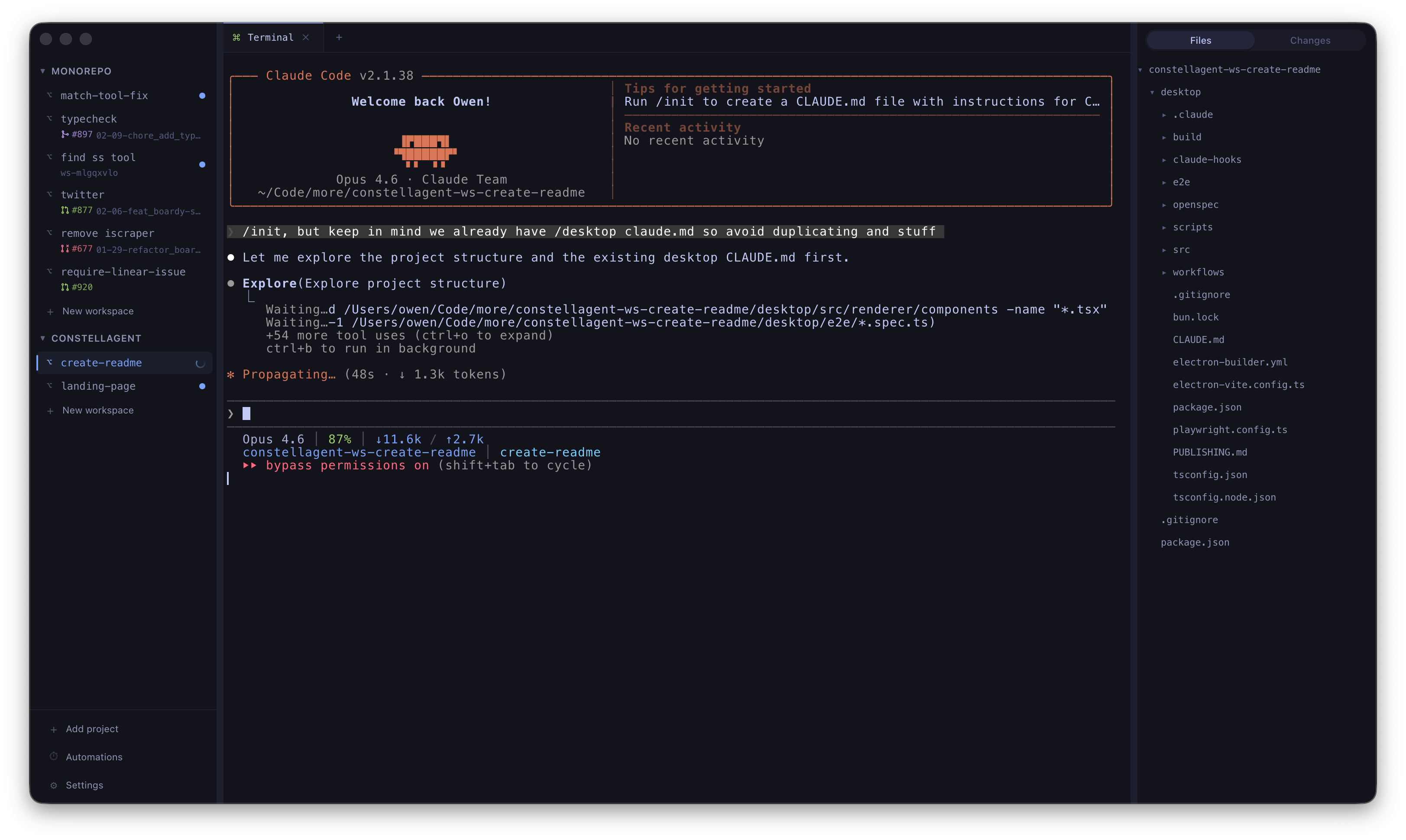
Constellagent showing parallel Claude Code workspaces with sidebar, terminal, and code editor

A control room for
your AI agents

Parallel Workspaces

Run multiple Claude Code sessions simultaneously. Each workspace gets its own terminal, files, and git branch.

Integrated Terminal

Full Ghostty terminal emulation with WebGL rendering. Supports TUI apps, colors, and persistent scrollback.

Git & PR Status

Live branch detection, file status, and GitHub PR badges. Open, merged, closed — visible right from the sidebar.

Scheduled Automations

Set agents on a cron schedule with templates. Hourly, daily, or whenever you want. They just keep going.

Code Editor & Diffs

Monaco editor with syntax highlighting. Context-collapsing diff viewer to review what your agents changed.

Keyboard-First

45+ shortcuts. Quick Open, workspace switching, font scaling. Mice are optional.

From zero to shipping
in three steps

01

Create a project

Group related workspaces. Each project maps to a git repo with isolated worktree branches.

02

Spin up agents

Launch parallel Claude Code sessions. Each agent gets its own terminal, branch, and context.

03

Review & ship

See diffs, check PR status, and merge. Automations keep agents running while you sleep.

Ready to orchestrate?

Star on GitHub and grab the latest release.

Download Free and open source